
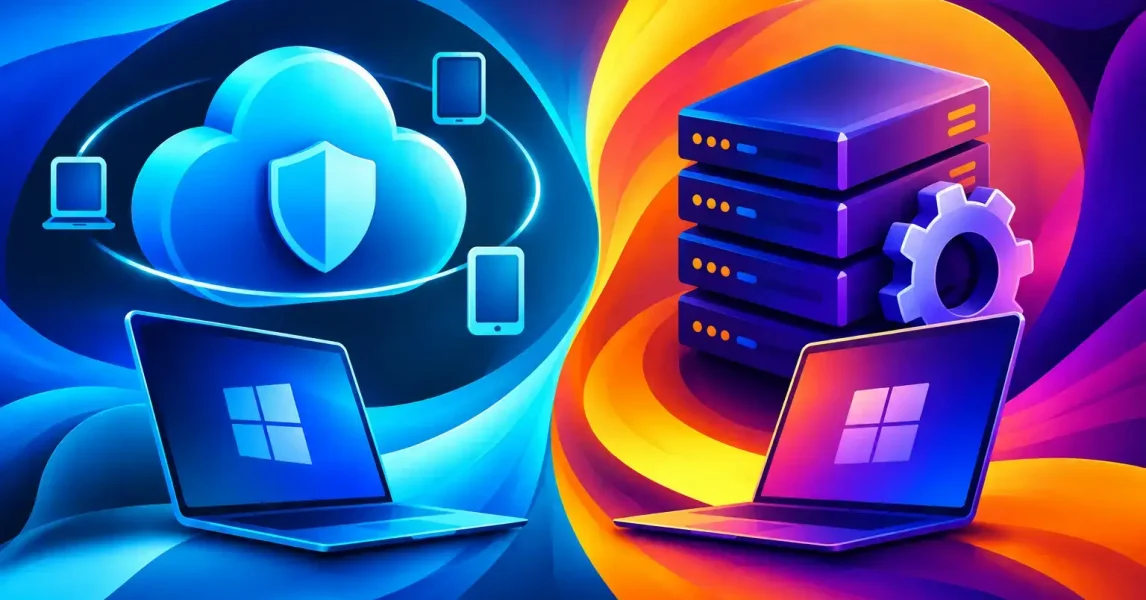
A laptop issued to a new starter needs to be secure, configured and ready to work without creating a queue of manual IT tasks. When comparing Microsoft Intune versus SCCM, the practical question is not which platform has the longer feature list. It is which approach gives your business reliable control over its devices, users and data – wherever people are working.
For many Irish organisations, the answer is not simply Intune or SCCM. It may be a phased move to cloud management, or a co-management model that retains useful SCCM capability while introducing Intune. The right decision depends on your existing estate, network, applications, security requirements and plans for hybrid working.
Microsoft Intune versus SCCM: the core difference
Microsoft Intune is a cloud-based endpoint management service. It is designed to manage laptops, mobile phones, tablets and applications through an internet connection. IT teams can apply security policies, deploy software, configure devices and check compliance without needing every device to be connected to the office network or VPN.
SCCM, now commonly referred to as Microsoft Configuration Manager, is primarily an on-premises systems management platform. It has long been the standard for managing Windows PCs in office-based environments, particularly where organisations need detailed control over operating system deployment, software packaging, updates and reporting.
The distinction matters because the workplace has changed. A business with staff largely based in one location may still gain significant value from SCCM. A business with remote staff, multiple sites or frequent device replacement will often find Intune better suited to its day-to-day operations.
| Area | Microsoft Intune | SCCM / Configuration Manager | | — | — | — | | Management model | Cloud-based | Primarily on-premises | | Best suited to | Hybrid and remote working | Established office and network-based estates | | Device enrolment | Internet-based, including Windows Autopilot | Typically relies on internal infrastructure and task sequences | | Mobile device management | Built in | Limited compared with Intune | | Operating system deployment | Modern provisioning and reset options | Detailed imaging and bare-metal deployment | | Internet dependency | Designed for it | Traditionally optimised for the corporate network |
Where Intune is the better fit
Intune is a strong choice for organisations that want to reduce reliance on office-based infrastructure and make device management easier for a distributed workforce. A new laptop can be sent directly to an employee, enrolled through Windows Autopilot and configured with the required applications and policies when they sign in. This can remove the need for IT to build each machine manually before it leaves the office.
Security is another major advantage. Intune works closely with Microsoft 365 services such as Microsoft Entra ID and Microsoft Defender. Conditional Access policies can help ensure that only compliant, encrypted and properly protected devices can access company email, files and applications. If a device is lost or an employee leaves, access can be removed promptly and business data can be protected.
For a growing business, this cloud-first approach can be easier to scale. Adding a new branch, supporting home workers or replacing ageing equipment does not necessarily require expanding servers, distribution points or office network capacity. Management follows the device rather than the building it happens to be in.
Intune also manages iOS, Android and macOS devices alongside Windows. This is particularly useful where senior staff use mobile devices for email and Teams, or where the organisation operates a mixed device environment. Applying a consistent baseline for passwords, encryption, approved applications and access rules becomes more manageable.
That said, Intune requires planning. Existing Group Policy settings, legacy applications and device build processes may not transfer neatly. A rushed migration can leave duplicate policies, inconsistent settings or unexpected user disruption. A clear discovery exercise should identify what is currently controlled by SCCM, Active Directory, Group Policy and other management tools before changes are made.
When SCCM still makes sense
SCCM remains highly capable, especially in organisations with complex Windows environments. It provides granular control over software deployment and operating system task sequences. Businesses that need to deploy specialised applications, manage large estates on local networks or maintain tightly controlled device builds may continue to depend on it.
It can also be a sensible option where devices are regularly used in locations with limited internet access. SCCM distribution points allow content such as feature updates and application packages to be delivered efficiently over the local network, reducing pressure on internet connections.
Some line-of-business applications are simply easier to package and deploy through SCCM. This can be relevant in manufacturing, healthcare, engineering, education or businesses with bespoke software that needs detailed installation logic, dependencies or sequencing. Replacing a proven deployment process without understanding these requirements can create unnecessary risk.
The trade-off is infrastructure and operational overhead. SCCM needs servers, SQL databases, patching, backup, monitoring and internal expertise. Remote management can also become more complicated when devices rarely connect to the corporate network. A cloud management gateway can help, but it adds another component to manage.
Co-management: a practical middle ground
For many established organisations, co-management is the most realistic route. This allows SCCM and Intune to manage the same Windows devices while workloads are moved gradually to the cloud. For example, an IT team may continue using SCCM for complex application deployment and operating system deployment, while Intune takes responsibility for compliance policies, endpoint security and Windows Update for Business.
This approach reduces the pressure to complete a high-risk, all-at-once migration. It also gives the business time to test policies with a pilot group, assess the impact on users and improve documentation. As older applications are replaced and processes are simplified, more workloads can be transferred to Intune.
Co-management is not a reason to avoid decisions indefinitely. Running two platforms introduces complexity, and ownership must be clear. Each configuration area should have one management authority. Otherwise, conflicting policies can lead to unreliable results and difficult troubleshooting.
Factors to assess before choosing
The right decision is usually clearer after reviewing how people work, rather than starting with a technology preference. Consider where staff work, how devices are currently prepared, how often applications change and whether mobile devices access company data.
You should also examine the age and condition of your current infrastructure. If the SCCM environment depends on ageing servers or poorly documented processes, maintaining it may become an increasing operational risk. Conversely, if it supports critical deployments effectively and the business has stable office-based working patterns, replacing it immediately may not offer a worthwhile return.
Licensing deserves careful attention too. Intune is commonly included with Microsoft 365 Business Premium and Microsoft 365 E3 or E5, but entitlements vary by subscription. Security features such as advanced endpoint detection and response may require additional licences. Understanding what you already own prevents duplicated spending and helps build a realistic rollout plan.
Finally, consider support capacity. Endpoint management is not a set-and-forget task. Policies need reviewing, devices need monitoring and exceptions need handling. The most suitable platform is one your internal team or managed IT partner can operate consistently, securely and with clear accountability.
A sensible route forward
Start with a small pilot group that represents the reality of your organisation: office users, remote workers, senior leaders and anyone using specialist applications. Test enrolment, software deployment, printing, access to shared files and recovery procedures before expanding the programme. Good endpoint management should make work easier, not simply move administration from one console to another.
LANCAST helps businesses assess their current device management approach, plan practical Microsoft 365 and endpoint security improvements, and support a controlled transition where cloud management makes commercial sense. Whether the outcome is Intune, SCCM or a carefully managed combination, the priority is keeping people productive while maintaining control of the devices and data they rely on.