
Server patch management is the formal lifecycle that keeps server firmware, operating systems, hypervisors and applications up to date while balancing security against availability. The recommended approach, drawn from frameworks such as NIST SP 800-40 and CIS Control 7, is to run a documented lifecycle that automates discovery and deployment wherever possible, tests every patch before it reaches production, and treats exceptions as tracked risk rather than oversight. Organisations that cannot build this internally, including many supported through managed providers like Lancast, still need the same discipline applied consistently.
TL;DR:
- Automated discovery and regular scanning are crucial, as shadow or unmanaged systems often cause patching gaps if they remain unnoticed.
- Patches must be prioritized based on CVSS scores, exploit availability, and system criticality, with testing in a sandbox environment before deployment.
- Using multiple tools—OS update services, third-party patch managers, configuration platforms, and vulnerability scanners—ensures comprehensive coverage.
- Rigorous rollback plans, backup verification, and staged testing with canary deployments prevent patches from causing unintended service disruptions.
- Sustained managed monitoring and support help maintain patch cycle discipline, improve audit evidence, and reduce the risk of security breaches.
Table of Contents
- What server patch management needs to cover
- Why patching has to be a security priority, not a maintenance task
- Building the inventory: know what you are patching
- The patch lifecycle: identify, prioritise, test, deploy, validate
- Choosing the right category of patching tools
- Testing, rollback and backup discipline
- Monitoring, reporting and the evidence auditors expect
- Turning policy into repeatable practice
- How managed monitoring supports a patch programme
- A 90-day plan for tightening up patch management
- How Lancast can help with managed patching and monitoring
- Key standards and guidance for deeper reading
- Sources
- FAQ
What server patch management needs to cover
A patching programme has to reach every layer that can carry a vulnerability, not just the operating system. That means firmware and BIOS, the OS itself, hypervisors, virtual machine agents, installed applications, and the monitoring or backup agents running alongside them.
- Firmware and BIOS: often overlooked, yet a common entry point for persistent attacks.
- Operating system and hypervisor: the core layer most patch tools focus on first.
- Applications and agents: databases, web servers and third-party software that ship their own update cycles.
- Containers and cloud-native workloads: patched by rebuilding and redeploying an updated image rather than patching in place.
Unsupported or end-of-life software deserves priority in any inventory, since it can no longer receive vendor fixes at all and needs replacement rather than patching.
Why patching has to be a security priority, not a maintenance task
Attackers routinely exploit known, unpatched vulnerabilities rather than discovering new ones, which is why continuous patching sits at the centre of most modern security baselines. CIS Controls guidance places automated patching of operating systems and applications among its core recommendations, treating it as a measurable, repeatable control rather than a one-off task. Regulators also expect organisations to maintain reasonable technical safeguards, and unpatched systems feature heavily in breach investigations and incident reports.
The business risk runs in three directions at once: ransomware exploiting an old vulnerability, a breach triggering mandatory reporting obligations, and unplanned downtime from a compromised or failed server.
Automated, frequent patching is now a baseline security control, according to CIS Controls guidance covering continuous vulnerability management, which recommends monthly or faster cycles for higher-risk assets. Skipping that cadence widens the exposure window every day it continues.

Building the inventory: know what you are patching
You cannot patch what you cannot see, and incomplete inventories are the single biggest reason patch programmes stall. Automated discovery tools scan the network for servers, virtual machines and installed software, feeding results into a central asset register or CMDB so nothing sits outside the process.
- Run an automated scan across all subnets, cloud accounts and virtualisation platforms to catch unmanaged or shadow systems.
- Normalise naming and versioning so the same server is not logged twice under different labels.
- Tag each asset by business impact, flagging internet-facing systems and anything running unsupported software for early remediation.
- Reconcile against procurement and decommission records to remove stale entries and catch systems that should have been retired.
Pro Tip: Re-run discovery scans on a fixed schedule rather than only after an incident, since shadow servers tend to appear quietly between audits.
The patch lifecycle: identify, prioritise, test, deploy, validate
NIST SP 800-40 Revision 4 sets out a lifecycle that most mature programmes follow in some form, moving from identification through to validation rather than treating deployment as the finish line.
- Identify: pull new patches from vendor advisories and vulnerability feeds, then map each one against the asset inventory to see what it actually affects.
- Prioritise: rank patches using CVSS scores, known exploit availability and the business criticality of the affected system, not just severity in isolation.
- Test: apply the patch to a sandbox or canary group that mirrors production configuration before it goes anywhere near live systems.
- Deploy: roll out in planned windows, starting with lower-risk cohorts and expanding once the canary group shows no regressions.
- Validate: confirm the patch installed correctly, re-scan for the original vulnerability, and check that dependent services still function as expected.
NIST SP 1800-31 offers implementation-level playbooks for exactly this kind of workflow, including validation steps that many teams skip under time pressure. Skipping validation is how a patch gets marked “deployed” while the underlying vulnerability remains open.
Choosing the right category of patching tools
Rather than chasing a single product, it helps to think in categories and match each to a genuine gap in the current process.
- OS update services, such as Windows Server Update Services, distribute vendor patches centrally to Windows-heavy estates and remain a practical baseline for that environment.
- Third-party patch managers extend coverage to non-OS applications that vendor tools rarely reach.
- Configuration management platforms enforce a target state across servers and can remediate drift alongside patching.
- Vulnerability scanners confirm what is actually missing, closing the loop between deployment and verification.
Whatever combination you choose, check platform support across your operating systems, rollback orchestration, reporting depth and API or CMDB integration before committing. Scale and support-level agreements matter more than feature lists once the estate grows past a few dozen servers.
Testing, rollback and backup discipline
A patch that breaks a production service causes more damage than the vulnerability it was meant to close, which is why testing and rollback planning deserve as much attention as deployment itself.
- Run repeatable tests in a staging environment that mirrors production configuration as closely as possible.
- Use canary deployments on a small, representative subset before wider rollout.
- Rebuild images for immutable infrastructure rather than patching containers in place, since replacement is simpler to roll back.
- Verify backups and restore procedures before any mass deployment, not after something goes wrong.
Pro Tip: Test a full restore, not just a backup completion notice: a backup that cannot be restored quickly is not a rollback plan.
Monitoring, reporting and the evidence auditors expect
Deploying a patch is not the same as proving it worked, and audits increasingly ask for evidence rather than assurances. Continuous vulnerability scanning, run after each deployment cycle, confirms whether the original weakness has actually closed.
- Maintain patch-status reports showing coverage by asset, patch age and outstanding exceptions.
- Keep a full audit trail inside the change management system, linking each patch to its approval and test record.
- Report on a fixed cadence to stakeholders, with dashboards that separate critical, high and routine patches.
Vulnerability scanning remains one of the more reliable ways to confirm missing patches and measure remediation coverage across an estate, closing the gap between what was scheduled and what actually landed.
Turning policy into repeatable practice
A patch management policy only earns its name if it removes ambiguity about who approves what and when. It should define scope, service-level targets for each severity tier, an approval chain, exception handling and clear rollback criteria.
- Define SLAs by severity, so a critical, internet-facing vulnerability is not held to the same timeline as a routine internal patch.
- Embed patch steps into standard change requests, so every deployment carries an approval and a documented rollback plan.
- Maintain an exceptions register for systems that cannot be patched on schedule, with a stated reason and review date.
- Document an emergency patch path with its own approval speed, plus a post-incident review after any emergency deployment.
Integrating patching into formal change management gives stakeholders visibility into what changed, when, and under whose approval, which is exactly what auditors and incident reviewers ask for first.
How managed monitoring supports a patch programme
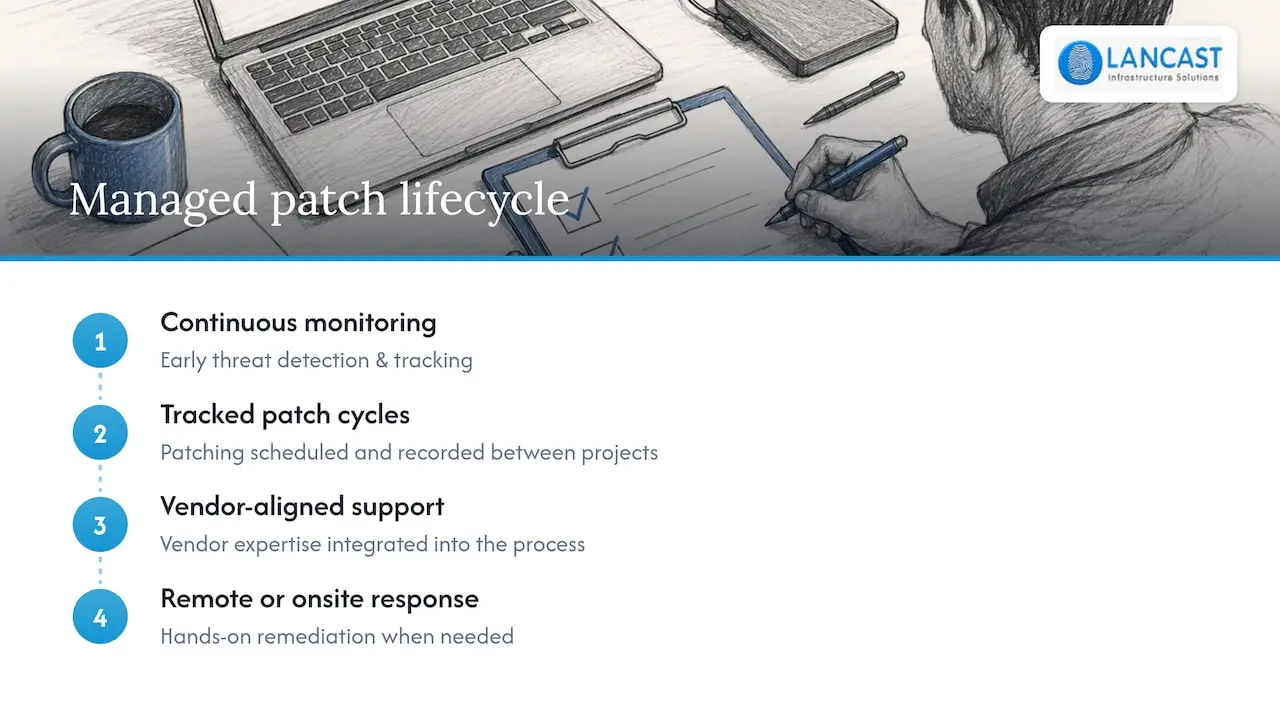
Running this lifecycle well takes sustained attention that many internal teams struggle to sustain alongside daily support tickets. Proactive managed services built around continuous monitoring and early threat detection help ensure patch cycles are tracked rather than left to chance between projects. Vendor-aligned support, backed by remote and onsite response when something needs hands-on attention, can be brought into the patching process through appropriate partnerships. That combination of monitoring and responsive support is what turns a patch policy on paper into a routine that actually holds.
A 90-day plan for tightening up patch management
Progress compounds quickly once the basics are in place, and three months is enough to move from ad hoc patching to a working process.
- Days 0 to 30: build the asset inventory, patch internet-facing systems first, and verify backups.
- Days 30 to 60: automate routine patching, set up test cohorts, and link deployments to change management.
- Days 60 to 90: introduce formal SLA reporting, refine priorities, and weigh whether a managed service fits.
— Carl
How Lancast can help with managed patching and monitoring
Building all of this in-house is achievable, but it takes ongoing time that many IT teams would rather spend on projects that move the business forward. Managed Services plans that include proactive monitoring alongside remote or onsite response create a single support relationship, allowing patch cycles to be tracked continuously rather than revisited only after issues arise.

That means faster remediation when a critical patch lands, clearer evidence for audits and client SLAs, and fewer surprise outages from missed updates. Vulnerability management and threat risk assessment services can complement a patching programme, providing a fuller picture of potential exposures before they become incidents. If outsourcing some or all of this fits your team, explore Lancast’s managed services plans and talk through what proactive monitoring would look like for your servers.
Key standards and guidance for deeper reading
For the underlying detail, see NIST SP 800-40, NIST SP 1800-31, and Microsoft’s WSUS guide.
Sources
- NIST SP 800-40 Rev. 4 — Guide to Enterprise Patch Management Planning
- Microsoft: Windows Server Update Services (WSUS) get started
FAQ
What are the top patch management tools to consider?
Most programmes combine an OS update service, a third-party patch manager for non-OS applications, a configuration management platform and a vulnerability scanner rather than relying on one product. The right combination depends on your operating system mix, estate size and how deeply you need reporting integrated with your change management system.
Is WSUS a patch management tool?
Windows Server Update Services is an OS update service that centrally manages and deploys Microsoft updates across Windows Server environments, as described in Microsoft’s own documentation. It covers Windows and Microsoft application patches specifically, so most estates pair it with a broader tool for third-party software and non-Windows systems.
What are the best patch management tools for 2026?
There is no single ranked list, since the right choice depends on your server mix, existing tooling and reporting needs rather than one universal answer. A sound approach is to evaluate categories, OS update services, third-party patch managers, configuration management and vulnerability scanners, against your platform coverage, rollback support and CMDB integration.
What are the different types of patch management?
Patch management generally splits into automated patching for routine updates, manual patching for systems needing case-by-case review, and emergency out-of-band patching for critical vulnerabilities that cannot wait for the standard cycle. Immutable infrastructure adds a fourth pattern, replacing entire images rather than patching servers in place.